
Go Screenshot API
Capture pixel-perfect screenshots of any URL with one HTTP request in Go — no chromedp, no Chrome binary next to your binary, no servers to maintain.
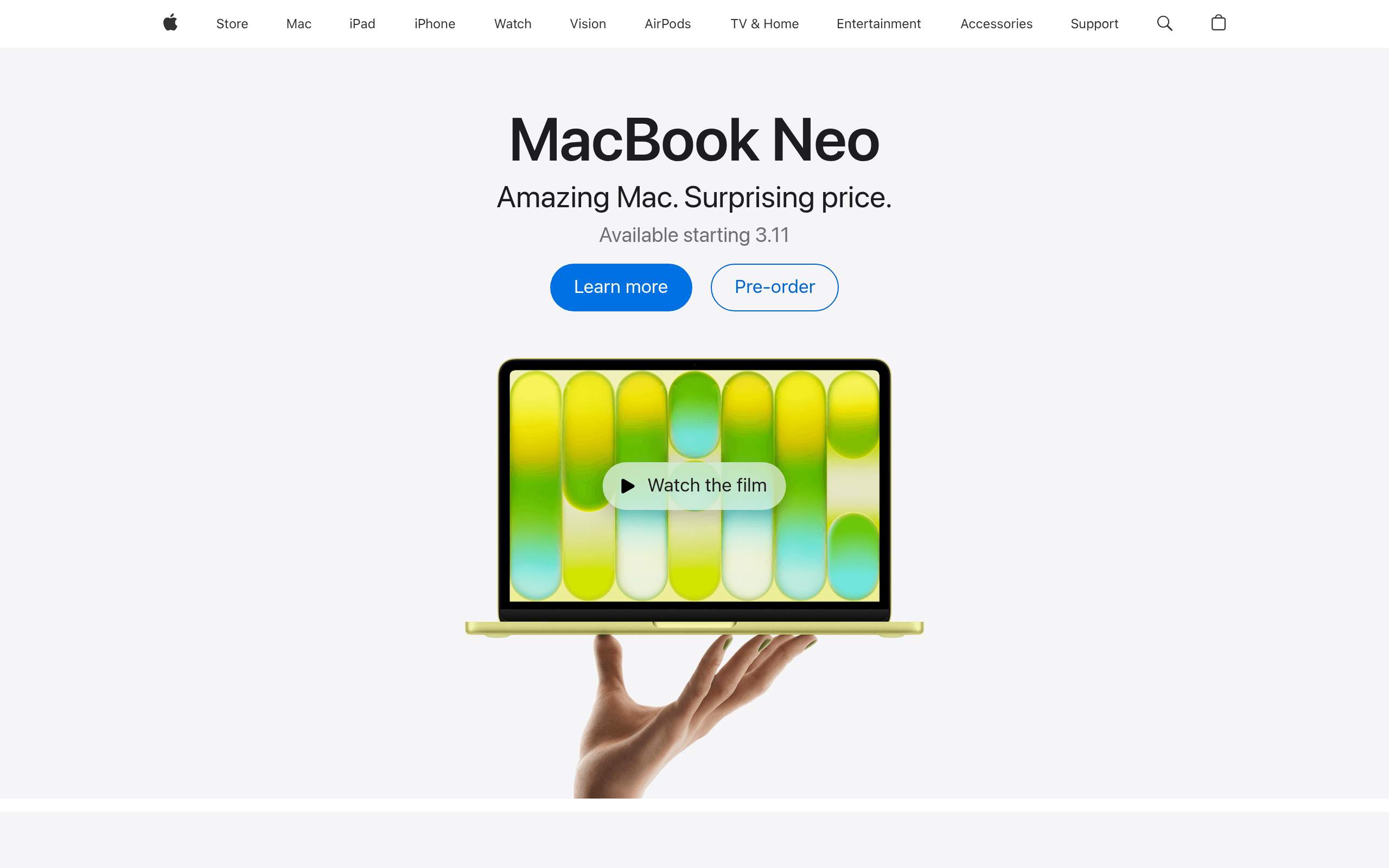
Take a screenshot in Go
No SDK and no chromedp — the Microlink REST API turns any URL into a hosted screenshot with a single HTTP GET. Everything below is standard library: net/http, net/url and encoding/json.
Step 01 · Start a module
There is nothing to go get. net/http sends the request, encoding/json reads it back, and the dependency list stays empty.
go mod init example.com/screenshotStep 02 · Capture any URL
Point it at a page, ask for a screenshot, and decode the hosted image URL out of the JSON response.
capture.go
package main

import (
    "encoding/json"
    "fmt"
    "net/http"
    "net/url"
    "time"
)

type response struct {
    Data struct {
        Screenshot struct {
            URL string `json:"url"`
        } `json:"screenshot"`
    } `json:"data"`
}

var client = &http.Client{Timeout: 90 * time.Second} // above the API budget: 30s free, 60s pro

func main() {
    query := url.Values{
        "url":        {"https://example.com"},
        "screenshot": {"true"},
        "meta":       {"false"}, // skip metadata extraction for a faster response
    }

    res, err := client.Get("https://api.microlink.io?" + query.Encode())
    if err != nil {
        panic(err)
    }
    defer res.Body.Close()

    if res.StatusCode != http.StatusOK {
        panic(fmt.Errorf("microlink: unexpected status %d", res.StatusCode))
    }

    var body response
    if err := json.NewDecoder(res.Body).Decode(&body); err != nil {
        panic(err)
    }

    fmt.Println(body.Data.Screenshot.URL)
}
Step 03 · Customize the capture
Output format, full-page captures, device emulation, and ad blocking — every Headless Chrome option is just a query field, with dot notation for the nested ones.
options.go
query := url.Values{
    "url":                 {"https://example.com"},
    "screenshot.type":     {"jpeg"},          // png (default) | jpeg
    "screenshot.fullPage": {"true"},          // capture the entire scrollable page
    "device":              {"iPhone 15 Pro"}, // emulate any device
    "adblock":             {"true"},          // strip ads & cookie banners (default)
    "meta":                {"false"},
}

res, err := client.Get("https://api.microlink.io?" + query.Encode())
Step 04 · Write it to disk
The response is a hosted image URL on a global CDN. Stream it into a file with a second request, or just hand the URL to the browser.
save.go
package main

import (
    "encoding/json"
    "fmt"
    "io"
    "net/http"
    "net/url"
    "os"
    "time"
)

type response struct {
    Data struct {
        Screenshot struct {
            URL string `json:"url"`
        } `json:"screenshot"`
    } `json:"data"`
}

var client = &http.Client{Timeout: 90 * time.Second} // above the API budget: 30s free, 60s pro

func main() {
    query := url.Values{
        "url":        {"https://example.com"},
        "screenshot": {"true"},
    }

    res, err := client.Get("https://api.microlink.io?" + query.Encode())
    if err != nil {
        panic(err)
    }
    defer res.Body.Close()

    if res.StatusCode != http.StatusOK {
        panic(fmt.Errorf("microlink: unexpected status %d", res.StatusCode))
    }

    var body response
    if err := json.NewDecoder(res.Body).Decode(&body); err != nil {
        panic(err)
    }

    image, err := client.Get(body.Data.Screenshot.URL)
    if err != nil {
        panic(err)
    }
    defer image.Body.Close()

    file, err := os.Create("screenshot.png")
    if err != nil {
        panic(err)
    }
    defer file.Close()

    if _, err := io.Copy(file, image.Body); err != nil {
        panic(err)
    }
}
Drop it into your router
A handler, a route, or a standalone binary — the same request becomes your own screenshot endpoint, perfect for dynamic Open Graph images on any runtime.
- Go
- Gin
- Echo
- Fiber
package main

import (
    "encoding/json"
    "fmt"
    "net/http"
    "net/url"
    "time"

    "github.com/gin-gonic/gin"
)

type response struct {
    Data struct {
        Screenshot struct {
            URL string `json:"url"`
        } `json:"screenshot"`
    } `json:"data"`
}

var client = &http.Client{Timeout: 90 * time.Second} // above the API budget: 30s free, 60s pro

func screenshotURL(target string) (string, error) {
    query := url.Values{
        "url":        {target},
        "screenshot": {"true"},
        "meta":       {"false"},
    }

    res, err := client.Get("https://api.microlink.io?" + query.Encode())
    if err != nil {
        return "", err
    }
    defer res.Body.Close()

    if res.StatusCode != http.StatusOK {
        return "", fmt.Errorf("microlink: unexpected status %d", res.StatusCode)
    }

    var body response
    if err := json.NewDecoder(res.Body).Decode(&body); err != nil {
        return "", err
    }

    if body.Data.Screenshot.URL == "" {
        return "", fmt.Errorf("microlink: no screenshot for %s", target)
    }

    return body.Data.Screenshot.URL, nil
}

func main() {
    router := gin.Default()

    // GET /screenshot?url=https://example.com
    router.GET("/screenshot", func(c *gin.Context) {
        image, err := screenshotURL(c.Query("url"))
        if err != nil {
            c.AbortWithError(http.StatusBadGateway, err)
            return
        }
        c.Redirect(http.StatusFound, image)
    })

    router.Run(":3000")
}
Skip the chromedp maintenance
Driving Headless Chrome from Go means shipping a browser next to a statically linked binary, keeping it pinned to a Chrome release, and owning the pool. The API gives you the same control without any of the infrastructure.
Self-hosted chromedp
- Install Chrome or Chromium on every host that runs your binary
- Ship headless Chrome (~300 MB) beside a Go binary built for scratch
- Each browser eats hundreds of MB of RAM; workers crash under load
- Launching Chrome adds seconds of cold-start latency
- You build the pooling, queueing, retries and autoscaling
- Write your own cookie-banner & ad dismissal scripts
Microlink for Go
- One HTTP request — net/http and encoding/json, nothing to go get
- Runs anywhere: scratch containers, Cloud Run, Lambda, your laptop
- Autoscaled managed browser fleet with a 99.9% uptime SLA
- Sub-second cached responses from 340+ edge locations
- Built-in adblock removes ads & cookie banners automatically
- Full-page, device emulation, overlays & DOM interaction included
Built for the way you write Go.
A REST API that feels native in Go — one HTTP call, JSON back, and at home in anything from a Gin service to a Cloud Run container. Read the screenshot guide to go deeper.
No Browser to Install
Skip chromedp and go-rod entirely. There is no Chromium to download, pin, or keep in sync with Chrome releases.
Standard Library Only
net/http sends the request, net/url builds the query, encoding/json decodes the response. Your go.mod stays empty.
Router Friendly
Drop it into net/http, Gin, Echo, or Fiber as a handler in a few lines. The same request works everywhere.
Scratch Images & Serverless
No browser to bundle, so a static binary in a scratch or distroless image still works. Deploy to Cloud Run, AWS Lambda, or Fly.
Goroutine Friendly
Fan out captures across goroutines. Parallelism is bounded by your plan quota and its concurrency, not by a browser pool you have to build.
Simple JSON Response
A single request returns JSON with the hosted image URL. No contexts to cancel, no explicit waits, no browser lifecycle.
Zero Infrastructure
Managed Headless Chrome, autoscaled and load-balanced. No browser pool, no servers, no patching to maintain.
Built-in Adblock
Captures arrive clean — GDPR cookie banners, newsletter popups, and injected ads are removed before the shot.
Generous Free Tier
Sign up for a free API key: 100 requests per month with every Pro feature, no credit card.
No Browser to Install
Skip chromedp and go-rod entirely. There is no Chromium to download, pin, or keep in sync with Chrome releases.Standard Library Only
net/http sends the request, net/url builds the query, encoding/json decodes the response. Your go.mod stays empty.Router Friendly
Drop it into net/http, Gin, Echo, or Fiber as a handler in a few lines. The same request works everywhere.
Scratch Images & Serverless
No browser to bundle, so a static binary in a scratch or distroless image still works. Deploy to Cloud Run, AWS Lambda, or Fly.Goroutine Friendly
Fan out captures across goroutines. Parallelism is bounded by your plan quota and its concurrency, not by a browser pool you have to build.Simple JSON Response
A single request returns JSON with the hosted image URL. No contexts to cancel, no explicit waits, no browser lifecycle.
Zero Infrastructure
Managed Headless Chrome, autoscaled and load-balanced. No browser pool, no servers, no patching to maintain.Built-in Adblock
Captures arrive clean — GDPR cookie banners, newsletter popups, and injected ads are removed before the shot.Generous Free Tier
Sign up for a free API key: 100 requests per month with every Pro feature, no credit card.
Try it live in the playground
Paste a URL and see the exact API request before you write a line of Go.
Go Screenshot FAQ
Everything Go developers ask before integrating the Microlink screenshot API.
Do I need chromedp or a headless browser?
No. It is a plain HTTP request to the Microlink API — there is no Chromium binary to install next to your service and no DevTools protocol to speak. The Headless Chrome fleet runs on Microlink's side.
That is what makes it deploy cleanly to scratch and distroless images, where shipping a browser alongside a static Go binary is painful.
Which HTTP client should I use?
The standard library.
net/http sends the GET, net/url encodes the query, and encoding/json decodes the response — no third-party client required.Give your
http.Client a timeout above the API budget: 30 seconds on free, 60 seconds on Pro.Does it work with Gin, Echo, and Fiber?
Yes. Because it is just an HTTP call, it drops into any handler in a few lines — see the tabs above for net/http, Gin, Echo, and Fiber, or the screenshot guide.
Can I fan out requests across goroutines?
Yes. There is no browser pool to size, so a
sync.WaitGroup over a batch of URLs is fine — just keep the fan-out within your plan quota and its concurrency.The exact limits are on the rate limit page.
Does it run on Cloud Run, Lambda, or a scratch image?
Yes. Because there is no Chrome binary to bundle, a static Go binary in a scratch or distroless image works as-is — on Cloud Run, AWS Lambda, or any container.
See the API overview for request details.
Is there a free tier or do I need an API key?
Yes, and it is free: sign up for an API key and you get 100 requests per month with every Pro feature, no credit card. Add it as x-api-key and start capturing.
When you need more volume, pick a paid plan: same key, bigger quota. See pricing for the limits.
How fast is it and how does it scale?
Cached captures return sub-second from a global edge network, and the browser fleet autoscales behind a 99.9% uptime SLA — so a traffic spike does not mean provisioning more workers.
Compare the numbers on the screenshot API benchmarks.
Start capturing in Go
Sign up for a free API key: 100 requests per month with every Pro feature, no credit card. Send your first request and ship a screenshot in minutes.
Free API key
100 requests/month
No credit card