
Website to Markdown
Converter
Turn any URL into clean, structured markdown with metadata.
Ready for LLMs, RAG pipelines, and content workflows.
How to convert a web page to markdown
Paste a URL
Enter any website URL — blogs, docs, SPAs, or JavaScript-rendered pages.
Set Options
Metadata is included by default — title, description, logo, and more. Block ads, target HTML selectors, or toggle metadata off in one click.
Get Markdown
Hit Convert and get clean, structured markdown from the web page in seconds.
Edit, Copy & Download
Edit the result inline, copy to clipboard, or download as a .md file. Your history is saved locally.
Why use this free URL to markdown tool?
Clean Markdown Output
Convert any webpage to well-structured markdown. Headings, lists, links, images, code blocks, and tables are all preserved — and you can edit the result directly in the browser to make it even cleaner before saving, copying, or downloading.
LLM-Ready Metadata
Every conversion includes page metadata by default — URL, title, description, logo, and more. This gives LLMs richer context about the source. Need just the content? Turn metadata off in one click.
Works on Any Website
Static sites, SPAs, JavaScript-rendered pages — it handles them all. Enable prerendering for client-side apps. If the target page has bot protection, pro plans can bypass it.
Target Specific Content
Extract the full page by default, or use an HTML selector to target specific sections. All matching elements are joined automatically. Learn about scoped Markdown.
Free + No Login
Free website to markdown tool with 25 conversions per day. No account needed, no branding, no strings attached.
API Integration Ready
Built on the Microlink Markdown API. Integrate with any language via REST or the Microlink SDK.
How can a web to markdown converter be free?This tool runs on the Microlink Markdown API — the same infrastructure powering AI pipelines and content workflows at scale. You get enterprise-grade URL to markdown conversion at no cost.
Use cases for website to markdown conversion
From AI agent workflows to content migration, converting web pages to markdown powers workflows across every team.
For AI & LLM Pipelines
- Turn any URL into markdown context with metadata for AI agents
- Build RAG pipelines with title, description, and logo alongside content
- Cut token costs with structured markdown instead of raw HTML
- Toggle metadata off when you only need the raw content
For Content Teams
- Migrate web pages to markdown-based CMS platforms
- Archive webpages as portable .md files
- Repurpose blog posts, articles, and documentation
- Edit extracted markdown before exporting
For Developers
- Automate URL to markdown file conversion via API
- Build content pipelines with clean, structured data
- Convert web documentation to markdown files at scale
- Integrate into CI/CD for automated content syncing
Markdown API for developers
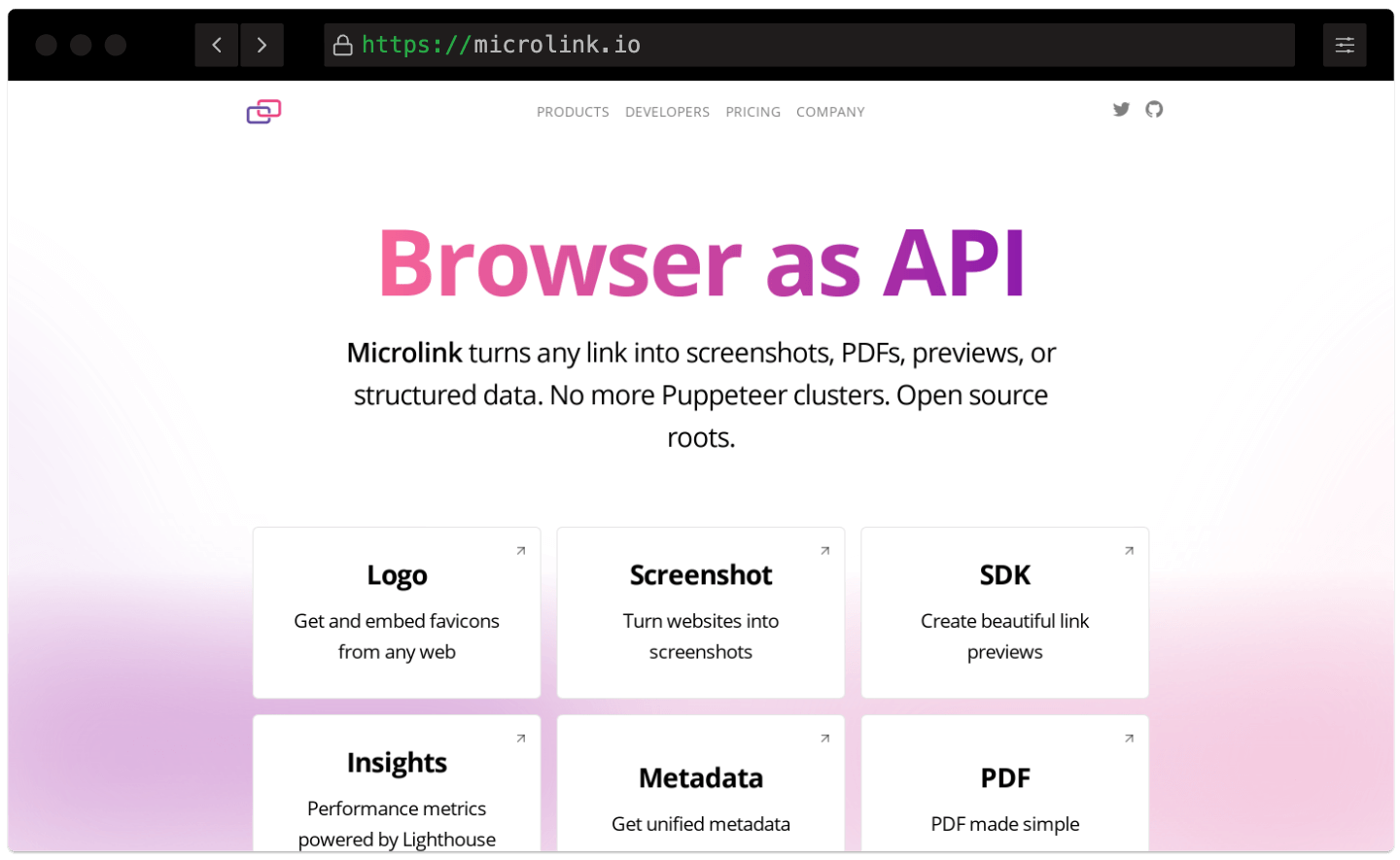
URL to Markdown API for Automated Extraction.
No servers to maintain, no browsers to manage. Convert any URL to markdown at scale — easy integration via API.
Fast CDN Delivery
Web to markdown conversion served via a global CDN with 340+ edge locations. Lightning-fast URL to md delivery anywhere in the world.
Smart Caching
Automatic edge caching with configurable TTL. Cached URL to markdown responses are free and don't count against your plan.
Zero-Config API
Convert any URL to a markdown file with a simple REST call. No browsers to manage, no infrastructure to maintain.
Fast CDN Delivery
Web to markdown conversion served via a global CDN with 340+ edge locations. Lightning-fast URL to md delivery anywhere in the world.Smart Caching
Automatic edge caching with configurable TTL. Cached URL to markdown responses are free and don't count against your plan.Zero-Config API
Convert any URL to a markdown file with a simple REST call. No browsers to manage, no infrastructure to maintain.
URL to Markdown API documentation
Explore the URL to Markdown guide with interactive examples, HTML selectors, caching strategies, and ready-to-use code snippets.
Is this website to markdown converter free?
Yes! You can convert up to 25 URLs per day for free, with no credit card required. Free conversions include all features — ad blocking, HTML selectors, prerendering, inline editing, and download.
Need more? Check our pricing plans for higher limits and priority processing.
What content does the URL to markdown tool extract?
The tool converts any web page to clean markdown, preserving headings, paragraphs, lists, links, images, code blocks, tables, and emphasis. It strips navigation, scripts, and non-content elements automatically.
By default, page metadata — title, description, URL, logo, and more — is included alongside the markdown to give LLMs extra context about the source. If you only need the raw content, uncheck Include metadata in the settings.
Use an HTML Selector in Advanced options to target the article or documentation body. See the Web page to Markdown guide for details.
Can I target specific sections of a webpage?
Absolutely. Open Advanced options and enter any HTML selector in the HTML Selector field — for example
article, .post-body, or #main-content. All matching elements are joined automatically into one markdown output.How does it handle JavaScript-rendered pages?
Enable Wait for all the elements to load in Advanced options. The tool renders the page in a real browser, waiting for every resource to finish before extracting content. This handles SPAs, client-side rendered frameworks, and lazy-loaded content.
Learn more in the page preparation guide.
Can I edit the markdown before downloading?
Yes. Click the Edit button to enter edit mode. You can modify, delete, or add content directly in the browser. Click Save to persist your changes — edited conversions are marked in your history.
Copy and download actions always use the latest saved version. If you have unsaved edits, the tool will prompt you before switching to another conversion.
Does it keep a history of my conversions?
Yes. Your last 20 conversions are saved in your browser's local storage — no account needed. Click any history item to reload the markdown, or use the copy and download buttons directly from the history card.
History never expires and persists across sessions. Edited conversions are flagged so you can tell them apart.
Can I integrate URL to markdown conversion into my app?
Yes. This tool is built on the Microlink Markdown API, which provides a simple REST endpoint. Integrate with any language — Node.js, Python, Ruby, or plain cURL.
Use the Microlink SDK for Node.js, or hit the API directly from any HTTP client. Check the data delivery guide for response formats.
How does caching work?
Markdown responses are cached on our global CDN by default. Cached responses are served instantly and don't count against your limit. Cache lasts for 24 hours.
Uncheck Use cache if you need fresh content from a frequently updated page. Read the data delivery guide for advanced caching strategies.
What does the "Include metadata" option do?
When enabled (the default), each conversion returns page metadata — URL, title, description, logo, and other fields — alongside the markdown content. This gives an LLM richer context about the page it is reading, which improves summarization, citation, and retrieval accuracy.
If you only need the raw markdown without extra context, uncheck Include metadata in the settings — it's a single click.