
Save HTML webpage as PDF
Use our free online tool to turn any URL into a high-fidelity PDF document.
Website URL
Paper Format
Orientation
PDF Appearance
Zoom scale
Preferences
Enter a URL and click Generate
Your PDF will appear here
How to save a webpage as PDF online
01
Paste the URL
Enter the link to any web page you want to download as PDF. It can be a full website, a single article, a dashboard, or any publicly accessible URL.
02
Choose your settings
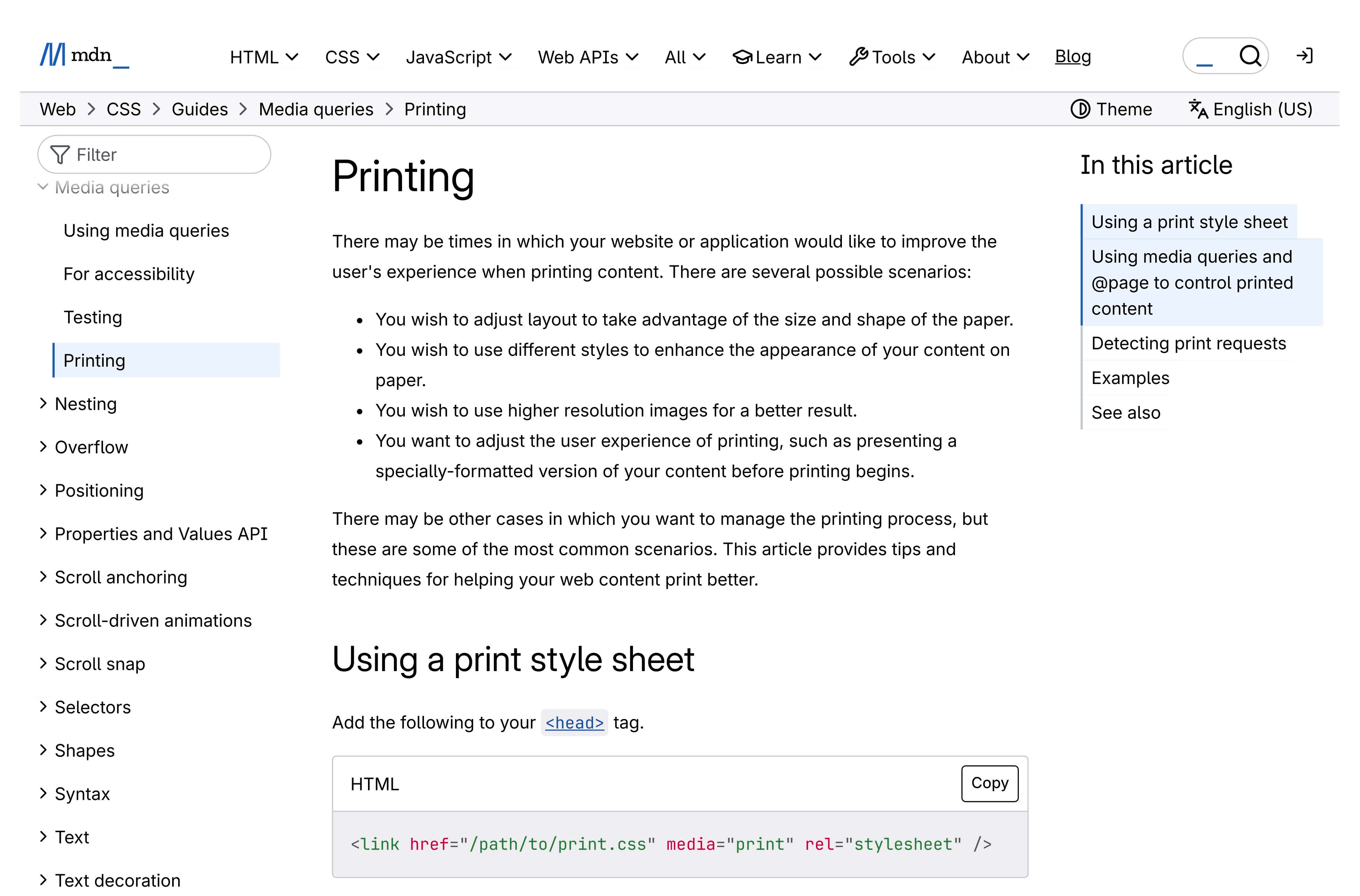
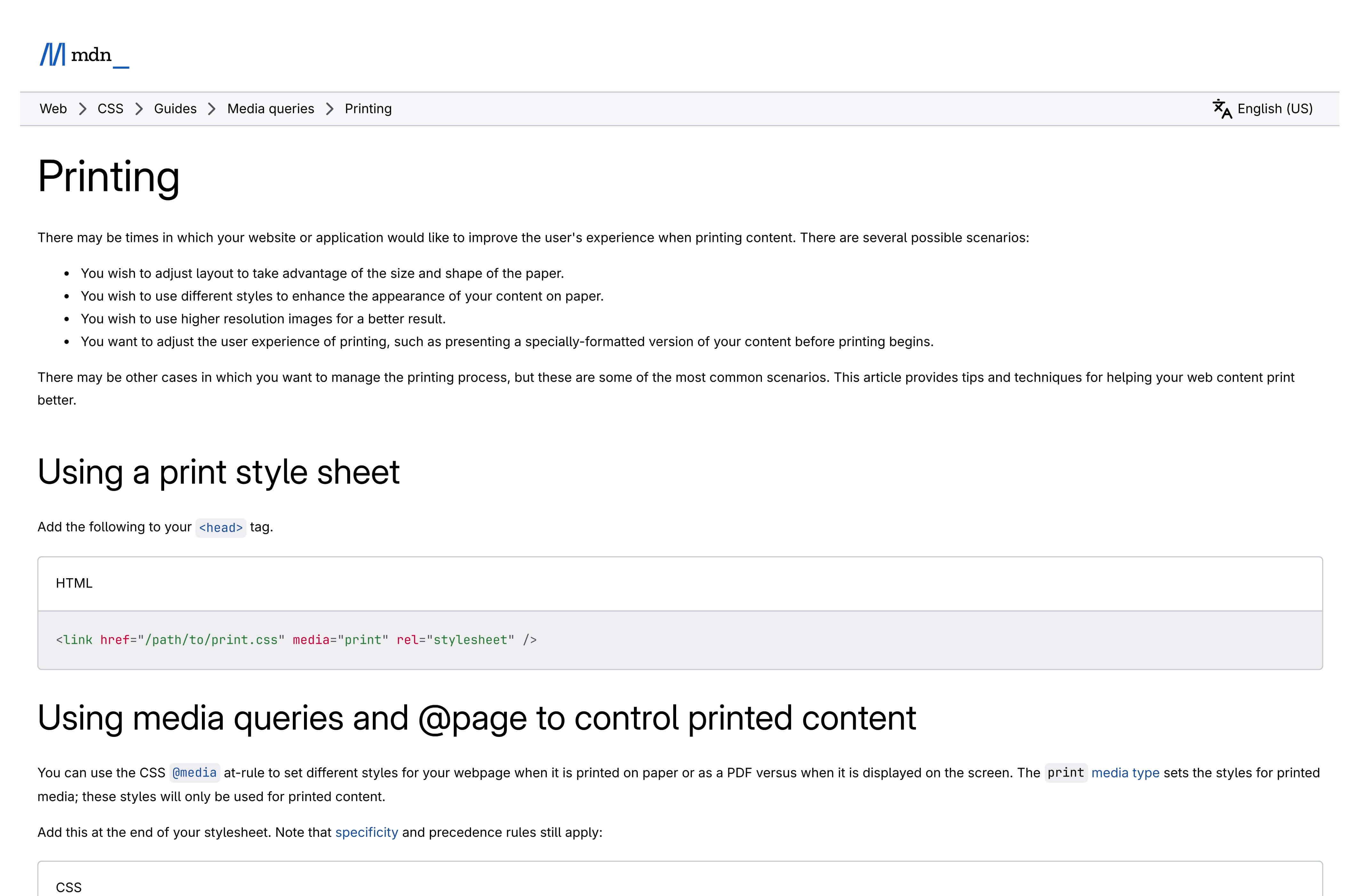
Pick a paper format (A4, Letter, Legal, and more) and orientation (portrait or landscape). If some images or content appear blank in the PDF, the page may need more time to finish loading — enable Wait for full load to give it extra time. Explore Advanced to fine-tune margins, custom width and height, and select a page range to export only the pages you need.Use PDF Appearance to choose between Screen View — a faithful visual match of the webpage, preserving colors, backgrounds, and layout exactly as you see them on screen — or Print Version, which applies the page's print stylesheet, stripping navigation, ads, and non-essential elements for a cleaner, ink-friendly document.Adjust Zoom scale to make the content larger or smaller — values below 1 shrink the page to fit more content per sheet, while values above 1 enlarge text and images for easier reading.
03
Generate the PDF
Click Generate PDF and the page is rendered and converted in seconds. A live preview appears so you can inspect the result before downloading. Open the Nerd Stats panel to see response time, cache status, and other API details.
04
Download, copy, or share
Download the PDF to your device, copy the direct URL to share it, or open it in a new tab. Every conversion is saved in your local history for 24 hours, so you can come back and grab it again without re-converting.
Chrome extension
Convert websites to PDF right from Chrome
Skip the tab switching — the Microlink Website to PDF extension turns any page into a PDF from Chrome's side panel, powered by the same PDF API as this tool. Paste up to 100 links and every PDF lands in a single ZIP. See everything it does.
Up to 100 URLs per batch
PDFs bundled in one ZIP
24-hour PDF history
No account needed

25 conversions/day included — need serious volume?
Upgrade for up to 46,000 conversions per month.
Upgrade for up to 46,000 conversions per month.
Need to convert multiple pages?
Paste up to 25 URLs and download all PDFs as a ZIP file.
Tip - Need a pixel-perfect image instead of a PDF?
If the PDF doesn't capture the page exactly as it looks on screen, try our full-page screenshot tool — it renders the entire webpage as a high-resolution image, preserving every visual detail.
Why use our URL to PDF converter?
Convert HTML to PDF Instantly
Transform any HTML page into a clean PDF document in seconds. Whether you need to save a single web page or convert pages to PDF in bulk, our PDF API delivers speed and quality.
Save Web Pages with Perfect Layout
Get high-fidelity PDFs that match the original webpage. Configure paper size, margins, and scaling to customize page layout for any document.
Online Tool — No Install Needed
Save any internet page as PDF directly in your browser. No downloads, no plugins, no desktop software. Just paste the URL and convert the webpage to PDF.
Free + No Login Required
Convert up to 25 web pages to PDF per day for free. Every PDF is clean and professional — no watermarks, no branding, no overlays on your documents.
History & Local Storage
Every PDF you generate is saved locally for 24 hours. Come back and download the document again without re-converting the page.
Block Ads Before Converting
Automatically remove ads and cookie banners before saving the webpage as PDF. Get the cleanest documents possible. Learn more about page preparation.
How is this HTML to PDF converter free?This online tool runs on Microlink's PDF API — the same infrastructure that converts millions of web pages to PDF every week for paying customers. You get enterprise-grade webpage to PDF conversion at no cost.
Who saves web pages as PDF?
From archiving internet pages to converting HTML to PDF at scale, webpage-to-PDF conversion powers workflows across every industry.
Save Internet Pages for Research
- Save a web page as PDF for offline reading and long-term archiving
- Convert articles and reports into shareable PDF documents
- Preserve website content as a PDF before it changes or disappears
- Turn any link into a citation-ready PDF document
Convert Web Pages for Legal & Compliance
- Save a website page as PDF for legal evidence and court filings
- Convert terms of service and policy pages to timestamped PDFs
- Turn compliance web documents into PDF records
- Change a webpage to PDF to produce auditable snapshots
Convert HTML to PDF via API
- Transform HTML reports and dashboards into PDF via REST API
- Automate invoice and receipt generation from web applications
- Convert web documentation into downloadable PDF files
- Build "save page as PDF" features into any product
PDF API for developers
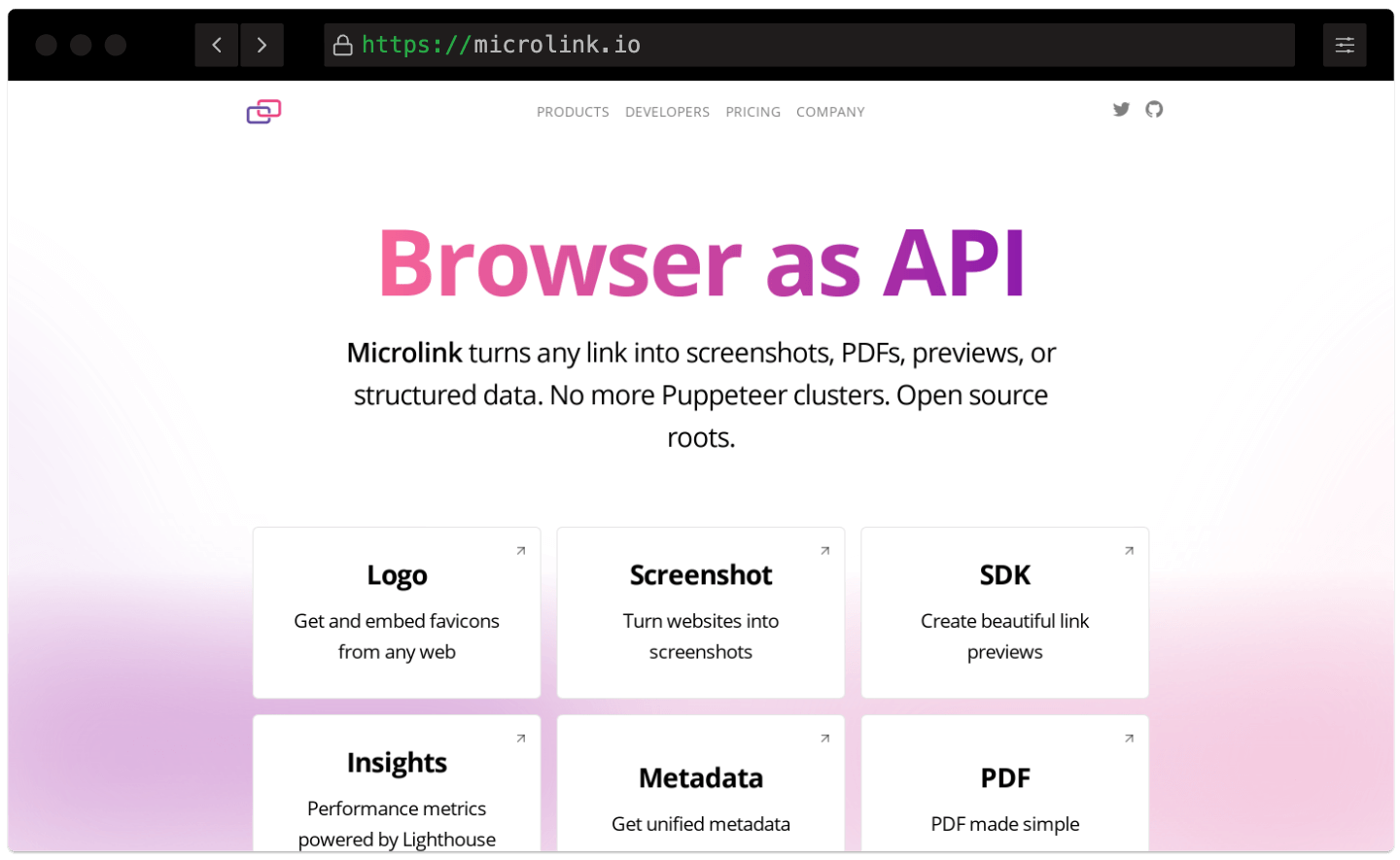
HTML to PDF API Convert Web Pages to PDF at Scale.
No servers to maintain, no headless browsers to configure. Convert any URL to a PDF document with a single API call — easy integration via API.
Global CDN Delivery
Every PDF you generate is served via a global CDN with 340+ edge locations. Save web pages as PDF and deliver them fast, anywhere in the world.
Smart Caching
Converted pages are cached automatically. Cached PDFs are served instantly and don't count against your daily limit — ideal for pages you convert often.
Simple REST API
Convert any URL to a PDF document with a single HTTP request. No headless browsers to manage, no infrastructure to maintain.
Global CDN Delivery
Every PDF you generate is served via a global CDN with 340+ edge locations. Save web pages as PDF and deliver them fast, anywhere in the world.Smart Caching
Converted pages are cached automatically. Cached PDFs are served instantly and don't count against your daily limit — ideal for pages you convert often.Simple REST API
Convert any URL to a PDF document with a single HTTP request. No headless browsers to manage, no infrastructure to maintain.
HTML to PDF API documentation
Convert any URL to a PDF document programmatically. Explore the full API reference, SDKs for every language, and ready-to-use code snippets.
How do I save a web page as a PDF?
Paste the URL of the page you want to save, choose your paper format and options, then click Generate PDF. The webpage is converted to a downloadable PDF document in seconds — no login, no install.
See the getting started guide for a full walkthrough.
My PDF looks different from the webpage. What can I do?
Try switching PDF Appearance to Screen View for a closer visual match. Enable Wait for full load if the page has lazy-loaded images or animations. You can also adjust scale and margins for a better fit.
Check the troubleshooting guide for more tips, or reach us at [email protected].
How do I export only specific pages from a PDF?
Open the Advanced section in the sidebar and use the Page Range inputs. Set First page and Last page to control which pages are included in the final PDF.
For example, enter 1 and 1 to export just the first page, 2 and 4 to get pages two through four, or leave Last page empty to export everything from your starting page to the end. If you only set Last page, the first page defaults to 1 automatically.
Is this online HTML to PDF converter free?
Yes! You can convert up to 25 web pages to PDF per day for free, with no credit card required. Every conversion includes all features — paper format, margins, scaling, and landscape mode.
Need higher limits? Check our pricing plans for priority processing and more daily conversions.
Is there a Chrome extension for this website to PDF converter?
Yes — the Microlink Website to PDF Chrome extension brings this converter into your browser's side panel. Paste up to 100 links, pick your PDF options, and download every document bundled in a single ZIP archive.
It's free to install and includes 25 conversions per day. A Microlink PDF API subscription unlocks up to 46,000 conversions per month.
Can I convert any URL to PDF, including private or authenticated pages?
You can turn any publicly accessible link into a PDF document. For authenticated or private pages behind a login, use the private pages guide to pass session cookies or headers via the API.
What paper formats does the webpage to PDF converter support?
The converter supports all standard paper sizes: A0 through A6, Letter, Legal, and Tabloid. You can also set custom width and height using CSS units (px, in, cm, mm).
See the page size and layout guide for detailed examples.
Can I integrate HTML to PDF conversion into my own application?
Absolutely. This tool is built on the Microlink PDF API — a simple REST endpoint that converts any URL to a PDF document. Integrate with Node.js, Python, Ruby, or plain cURL.
Use the Microlink SDK or hit the API directly. Check the embedding guide for delivery and integration patterns.
How does caching work when converting web pages to PDF?
PDFs are cached on our global CDN by default. Cached responses are served instantly and don't count against your daily limit. Cache lasts 24 hours.
Turn off caching only when you need to save a page that changes frequently. Read the caching and performance guide for advanced strategies.