
Adblock & Cookie Banners
On by default, on every plan — cleaner captures, fewer third-party requests, repeatable results.
Overview
On by default.
Ad exchanges, trackers and consent widgets slow the response down and cover the target url with banners. adblock refuses those third-party requests before they load and dismisses common cookie dialogs automatically — on by default, so a plain request already returns a clean result.
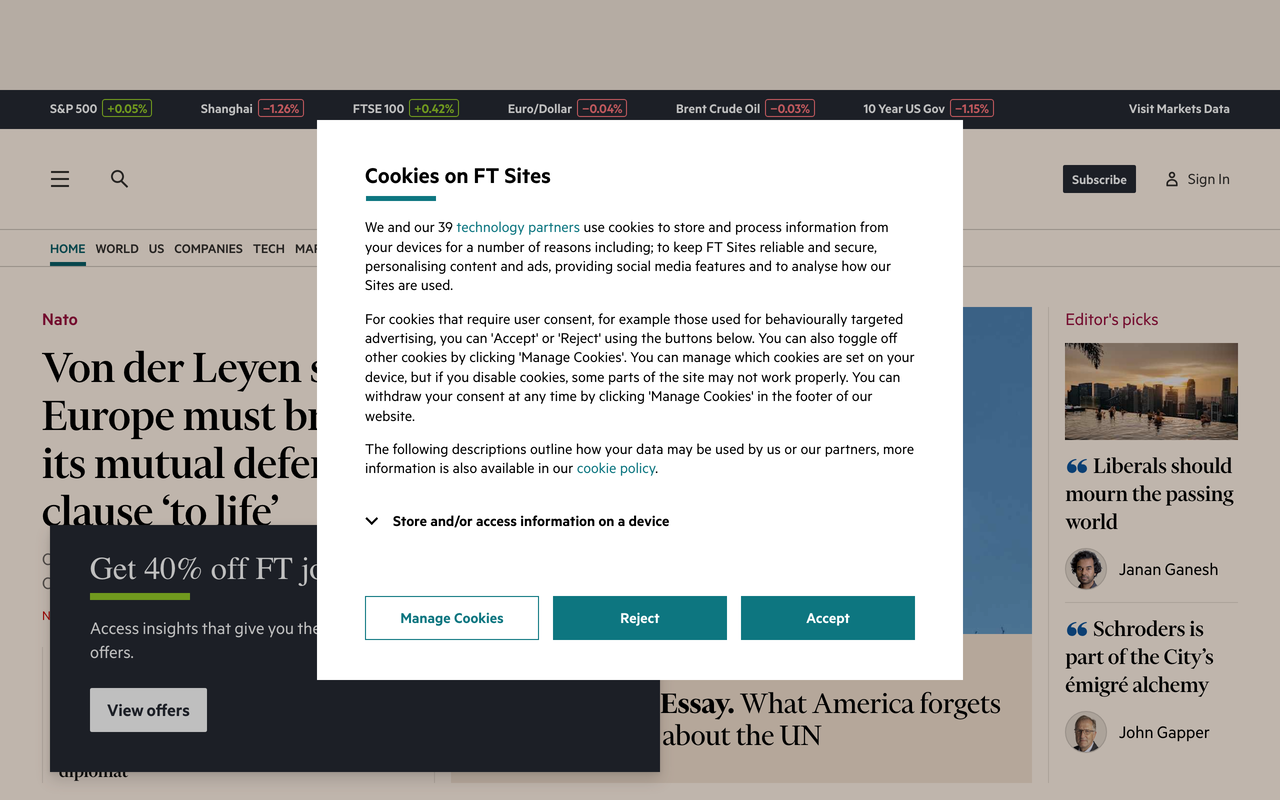

https://api.microlink.io?screenshot&url=https://ft.com&adblock=true
- On by default — no parameter to set, on every plan
- Third-party ad, tracker and cookie-consent requests never load
- Cookie banners from supported consent providers are dismissed automatically
- Applies to every product — screenshot, PDF, markdown, metadata, extract
- Opt out per request with adblock: false when you need the page untouched
- Open source under the hood — Ghostery adblocker plus DuckDuckGo autoconsent
How it works
Three layers, one parameter.
Requests that belong to ads, trackers or consent services are refused at the network level, cookie dialogs from supported consent providers are opted out automatically, and cosmetic rules hide leftover overlays before the capture. For a site-specific dialog that slips through, click the button that dismisses it, or hide it with styles.
- Network layer: requests to ad, tracker and consent-management hosts are refused
- Consent layer: known cookie dialogs are opted out automatically
- Cosmetic layer: leftover overlays are hidden before the capture
- Custom dialogs: dismiss with click, hide with styles, or drive them with scripts
- Motion is already frozen — animations defaults to false
Parameters
What you can tune.
adblockbooleanBlock third-party ads and trackers, dismiss cookie banners automatically. Default: true.animationsbooleanEnable CSS animations and transitions. Default: false, so repeat captures match.clickstring | string[]Click elements by CSS selector — accept or dismiss a first-party dialog.stylesstring | string[]Inject CSS before render to hide what the network layer cannot block.scriptsstring | string[]Inject JavaScript before render for dialogs that need a real interaction.
Examples
Clean by default. Explicit when you need it.
Adblock is already on — this screenshot arrives without ad slots or consent widgets.
Nothing to configure
import createClient from 'microlink.io'

const microlink = createClient({
  apiKey: process.env.MICROLINK_API_KEY
})

const { url } = await microlink.screenshot(
  'https://example.com'
)Use cases