
Animated screenshot tool
Capture any animated web page as a video. Free, online, no sign-up.
Website URL
Device
Animation duration
s
Advanced
Enter a URL and click Generate
Your animated screenshot will appear here
How to take an animated screenshot of a webpage
Paste a URL
Enter any website address into the animated screenshot tool above.
Pick Device & Duration
Choose desktop, tablet, or mobile and set how long to record.
Capture the Animation
We open the page and record every animation, transition, and scroll effect as an MP4.
Download or Share
Save the animated screenshot to your device or copy the CDN URL to use anywhere.
Why use our online animated screenshot tool?
True Animated Screen Capture
Static screenshots miss CSS transitions, scroll effects, and interactive states. Our animated screenshot tool records the full live experience as an MP4 video. Need a static image instead? Use the website screenshot tool.
Screenshot Any Animated Page
Works on any public webpage — marketing sites, dashboards, product demos, portfolios. For pages behind a login, use the API with custom headers or cookies.
Free Online Animated Screenshot
Take animated screenshots online with no software to install and no account required. Just paste the URL and capture.
25 Free Captures per Day
Every animated screenshot is clean and professional — no watermarks, no overlays, no branding. Free for up to 25 captures daily.
Desktop, Tablet & Mobile
Record animated screenshots on any viewport. For pixel-perfect phone emulation with real device frames, try the mobile screenshot tool.
Clean Captures, No Ads
Cookie banners and ad overlays are automatically removed before the animated web page is captured. Learn more in the browser settings guide.
How do we offer this level of quality for free?This animated screen capture tool runs on Microlink's screenshot API — the same infrastructure used by thousands of paying customers to capture millions of animated screenshots every week. You get enterprise performance at zero cost.
Who uses our animated screen capture tool?
From print-screen animated web pages to automated API capture, teams across every discipline rely on animated screenshots.
For Product Teams
- Take animated screenshots of feature flows and onboarding
- Capture interactive UI states that static images miss
- Record animated walkthroughs for stakeholder presentations
- Screenshot animated pages to document product behavior
For Digital Marketers
- Print screen animated web pages for competitor research
- Capture animated landing pages for ad creative analysis
- Generate animated webpage screenshots for social content
- Screenshot website animations for campaign inspiration
For Developers
- Automate animated screen capture via a simple REST API
- Record animated page screenshots for visual regression tests
- Capture CSS transitions and scroll effects on any webpage
- Screenshot animated pages for automated documentation
Animated Screenshot API for developers
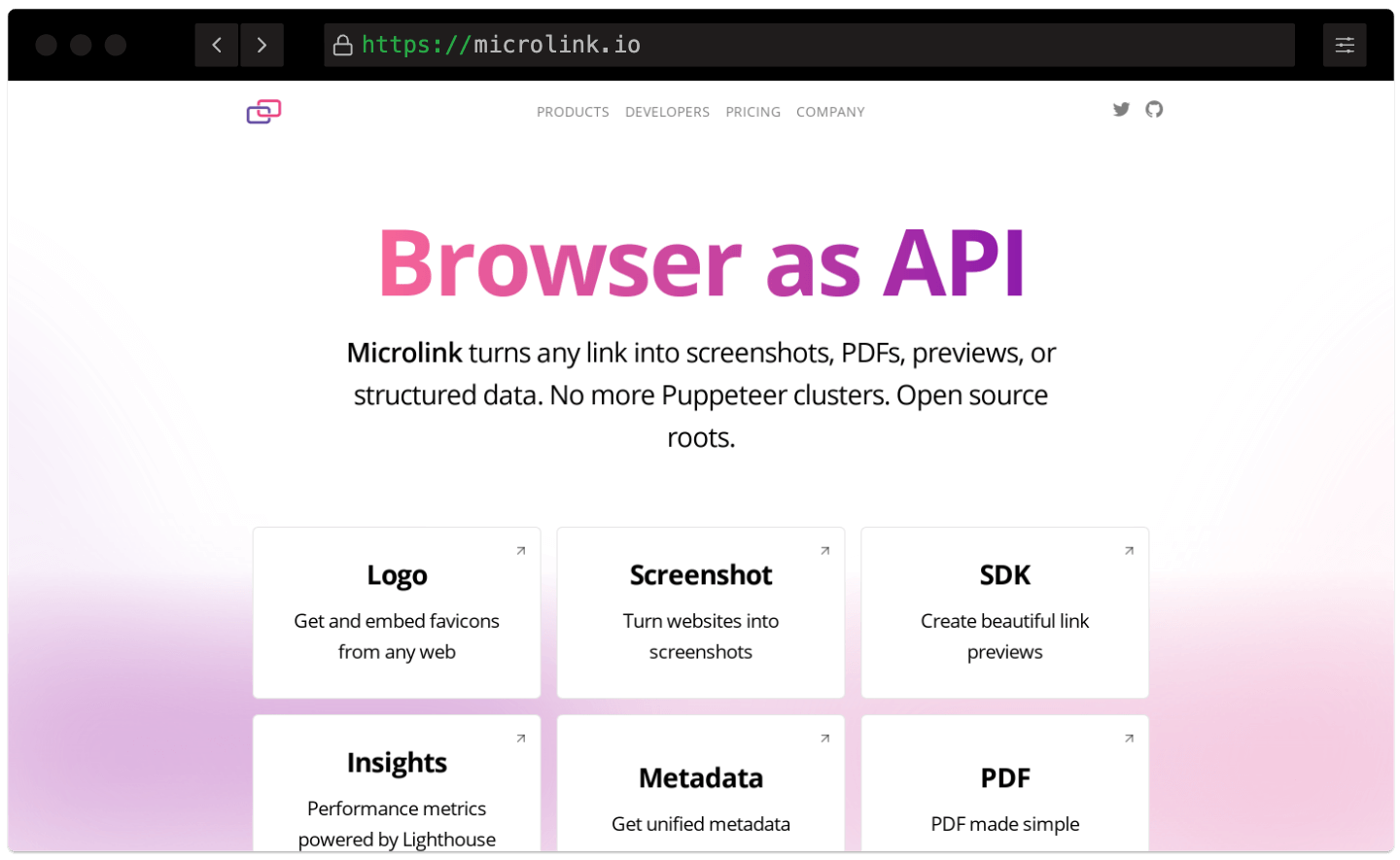
Screenshot API for Automated Screen Capture.
No servers to maintain, no headless browsers to manage, no paying for capacity you don't use. Add animated screen capture to any app in minutes — easy integration via Screenshot API.
Real Browser Recording
Every animated screenshot is captured in a full Chromium instance — CSS animations, scroll effects, and JavaScript transitions are recorded exactly as a visitor would see them.
Configurable Duration
Set the recording length from 2 to 10 seconds. Capture quick hero animations or longer scroll sequences — the slider lets you dial in exactly what you need.
Lightweight MP4 Output
Animated screenshots are delivered as H.264 MP4 files that play natively in every browser. Small file sizes, no codec issues, no GIF bloat.
Real Browser Recording
Every animated screenshot is captured in a full Chromium instance — CSS animations, scroll effects, and JavaScript transitions are recorded exactly as a visitor would see them.Configurable Duration
Set the recording length from 2 to 10 seconds. Capture quick hero animations or longer scroll sequences — the slider lets you dial in exactly what you need.Lightweight MP4 Output
Animated screenshots are delivered as H.264 MP4 files that play natively in every browser. Small file sizes, no codec issues, no GIF bloat.
Animated Screenshot API documentation
Integrate animated screen capture into any app. Explore the full API reference with interactive examples, SDKs for every language, and copy-paste code snippets.
Is this animated screenshot tool really free?
Yes. You can take up to 25 animated screenshots per day at no cost — no credit card, no account required. Every free capture includes all features: device emulation, ad blocking, and CDN caching. Need multiple.
Need higher limits? See our pricing plans for unlimited captures and priority processing.
How do I take an animated screenshot of a webpage?
Paste the URL into the tool above, choose a device (desktop, tablet, or mobile), set the recording duration, and click Generate. We open the page in a real browser, capture the animated web page — including CSS transitions, scroll effects, and interactive states — and return an MP4 video within seconds.
How long can an animated screenshot be?
You can record between 2 and 10 seconds. The default is 5 seconds.
For pages with delayed animations or slow scroll interactions, increase the duration using the slider in the options panel.
Can I take a full page animated screenshot of a long web page?
The tool captures the visible viewport for the selected duration. For long web pages, increase the recording time so more of the page content and animations are captured. On the API, you have full control over duration and viewport to capture entire animated pages programmatically. For a static full-length capture, try the full-page screenshot tool.
What format are animated screenshots saved in?
All animated screenshots are delivered as MP4 files using the H.264 codec. MP4 plays natively in every major browser and device, keeping file sizes small without sacrificing quality. See the customizing output guide for more format options via the API.
Can I automate animated screen capture via API?
Yes. The tool is powered by the Microlink Screenshot API, which accepts a single REST call. Add
screenshot: { animated: true } to capture any animated webpage programmatically from Node.js, Python, Ruby, or plain cURL. See the embedding guide for drop-in HTML snippets.Use the Microlink SDK for the easiest integration, or call the HTTP endpoint directly. See animated screenshots on the API for the duration, frame rate and container options. If something goes wrong, check the troubleshooting guide.
How does caching work?
Animated screenshots are cached on our global CDN for 24 hours by default. Cached responses are served instantly and don't count against your daily limit. Read the caching & performance guide for fine-grained control.
Turn off caching only if you need a fresh capture of a page that updates frequently.
Any questions or issues?
We are always available at: [email protected]