
Bulk convert multiple URLs to PDF
Paste a URL list to batch convert up to 25 web pages into PDF documents.
Download your results instantly as a ZIP file.
Website URLs
One URL per line or comma-separated · ⌘+Enter to generate
Preferences
Paste your URLs and click Generate
Up to 25 PDFs at once
How to bulk download PDFs from a URL list
01
Paste your URL list
Add up to 25 URLs at once — one per line or comma-separated. Any publicly accessible web page, article, or dashboard works.
02
Choose your settings
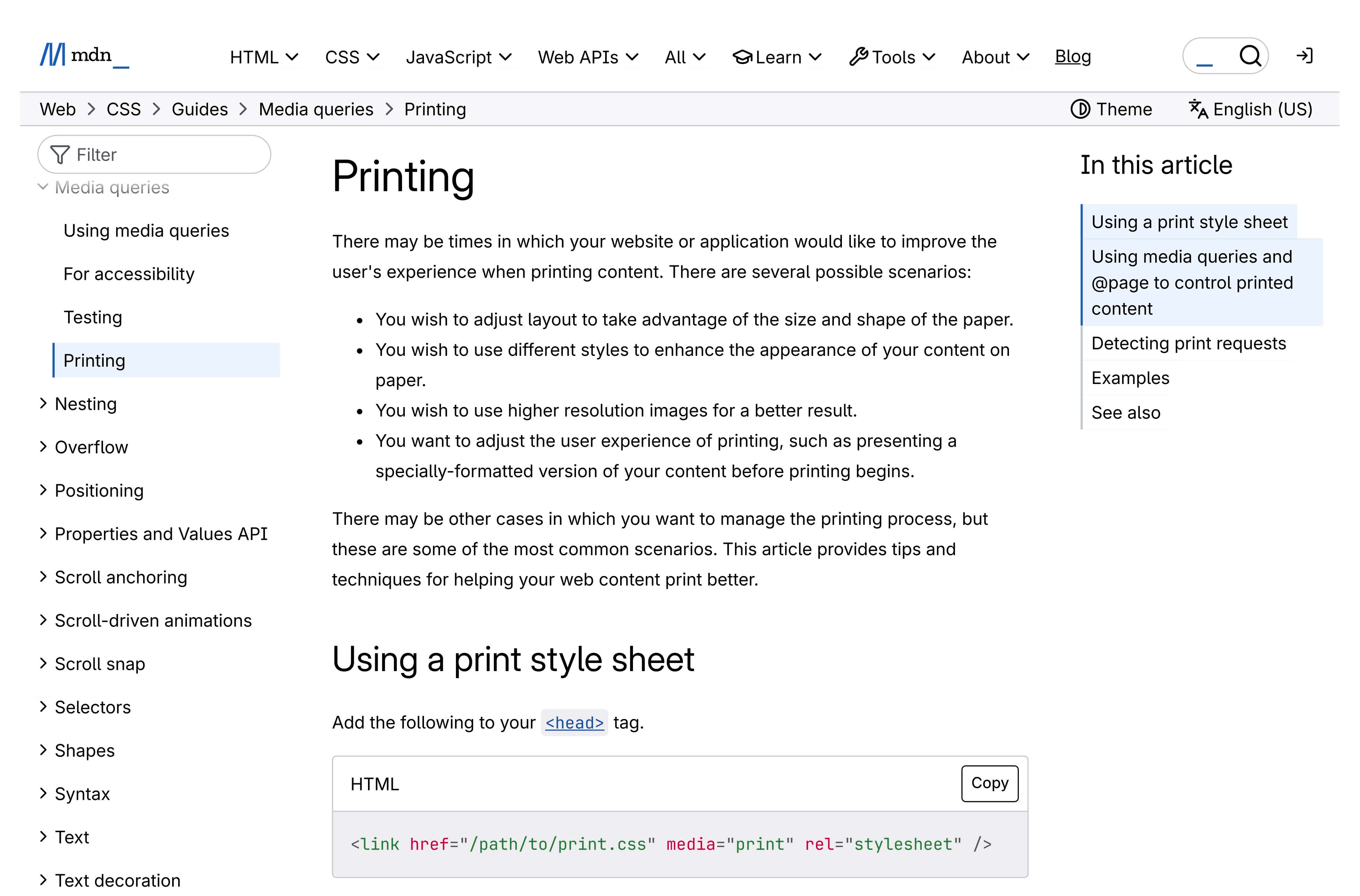
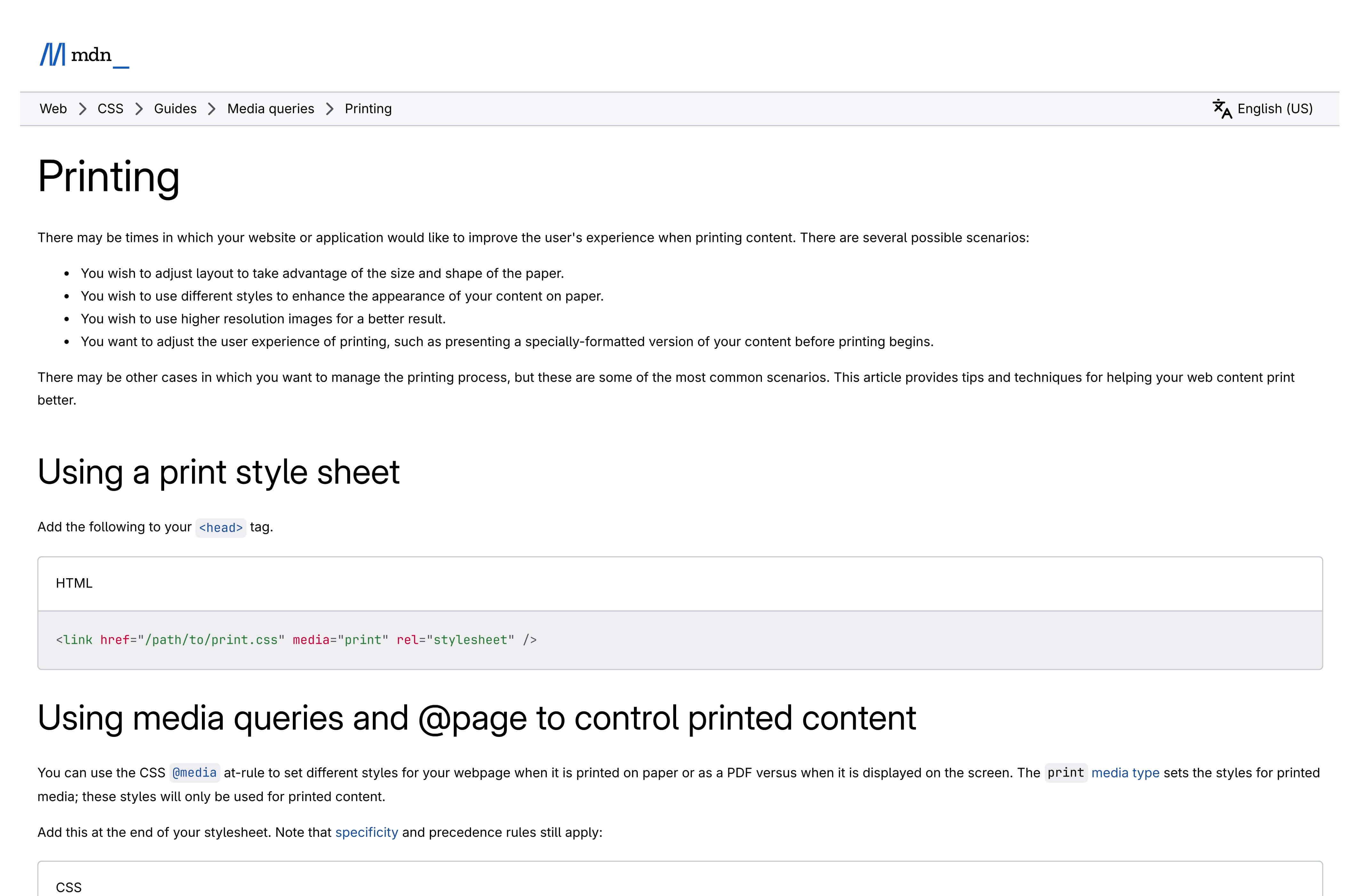
Pick a paper format (A4, Letter, Legal, and more) and orientation. If some images or content appear blank in the PDFs, the pages may need more time to finish loading — enable Wait for full load to give them extra time. Explore Advanced to fine-tune margins, custom width and height, and set a page range to export only the pages you need.Use PDF Appearance to switch between Screen View — a pixel-perfect match of the webpage with all colors, backgrounds, and layout preserved — or Print Version, which applies the page's print stylesheet, removing navigation and non-essential elements for a cleaner, ink-friendly document.Adjust Zoom scale to control content size — values below 1 shrink the page to fit more per sheet, while values above 1 enlarge text and images for easier reading.
03
Bulk convert to PDF
Click Generate PDFs and watch every URL converted one by one with real-time progress. Failed URLs are skipped automatically so the batch keeps going.
04
Download all as ZIP
Bulk download all your PDFs as a single ZIP file, or select individual documents. Every batch is saved in your local history for 24 hours.
Chrome extension
Need bigger batches? The Chrome extension handles 100 URLs
The Microlink Website to PDF extension brings this bulk converter into Chrome's side panel — same paper formats, orientation, and margins, powered by the same PDF API — with a 4× bigger batch size and every PDF bundled in a single ZIP. See everything it does.
Up to 100 URLs per batch
Automatic ZIP download
24-hour PDF history
No account needed

25 conversions/day included — need serious volume?
Upgrade for up to 46,000 conversions per month.
Upgrade for up to 46,000 conversions per month.
Why bulk convert URLs to PDF?
Bulk convert multiple URLs to PDF
Paste up to 25 URLs and bulk convert them to PDF in one go. No need to process them one by one — save hours of repetitive manual work. Need a single URL instead? Use the webpage to PDF tool.
Bulk download PDFs as a ZIP
All your batch PDFs are packaged into a single ZIP file and bulk downloaded automatically. Configure paper format and layout — ready to share, archive, or use in any workflow.
Free online — no login required
Batch convert URLs to PDF for free — up to 25 per day. No account needed, no credit card, no watermarks on your documents.
Configurable paper format
Choose from standard paper sizes (A4, Letter, Legal, Tabloid) or set custom dimensions. Control orientation, margins, and scaling for every PDF in the batch.
Clean, ad-free documents
Automatically remove ads and cookie popups before generating PDFs. Get clean, professional documents from every URL in your list. Learn more in the page preparation guide.
Smart caching
PDFs are cached on our global CDN by default. Cached responses are served instantly and don't count against your limit. Re-run the same URL list and cached entries resolve immediately. Read the caching guide.
How can a bulk URL to PDF tool be free?This batch PDF converter is built on Microlink's PDF API — the same infrastructure that processes millions of requests per week for paying customers. You get the same speed, quality, and reliability at no cost for bulk downloads.
Who needs to bulk convert URLs to PDF?
From web archiving to automated document generation, bulk PDF download from a URL list saves hours across every team.
For archivists & researchers
- Bulk download PDFs from a URL list for offline archival
- Batch convert entire websites to searchable PDF collections
- Preserve web content before it changes or disappears
- Generate citation-ready document snapshots at scale
For legal & compliance
- Bulk convert multiple URLs to PDF for evidence records
- Batch archive terms of service and policy changes across sites
- Generate compliance documentation from a URL list
- Produce timestamped website-to-PDF snapshots in bulk
For developers
- Automate batch URL to PDF generation via REST API
- Bulk convert multiple dashboards and reports to PDF
- Build batch PDF export pipelines for web applications
- Generate documentation PDFs from live sites at scale
PDF API for developers
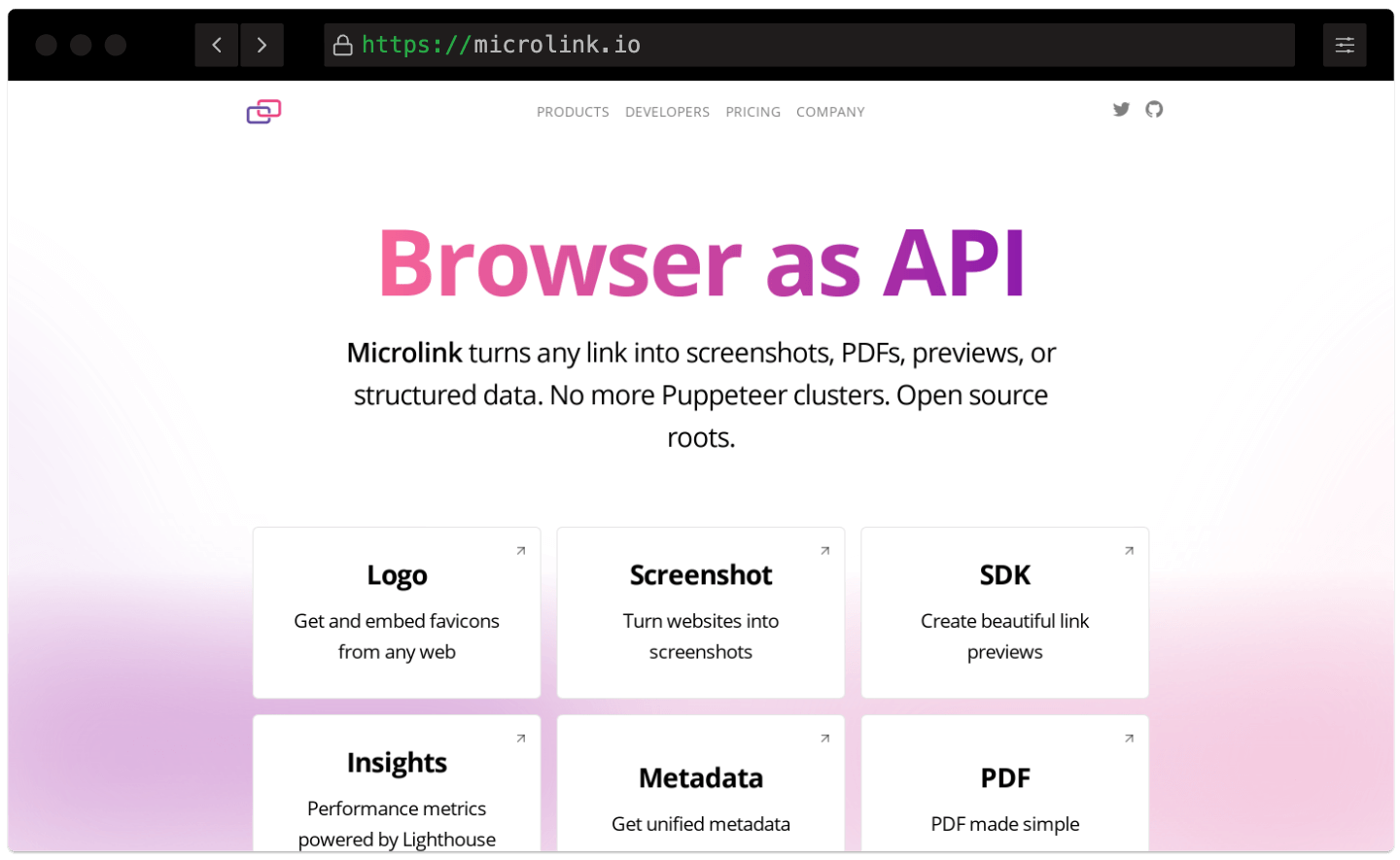
Bulk URL to PDF API Batch Convert URLs at Scale.
Need to automate batch URL to PDF conversion? No servers to maintain, no headless browsers to manage. Microlink's PDF API handles the infrastructure so you can bulk convert hundreds of URLs programmatically.
Bulk URL to PDF Processing
Paste up to 25 URLs and bulk convert them all to PDF in sequence. Real-time progress tracking shows each document as it completes.
One-Click ZIP Download
All batch PDFs are packaged into a single ZIP file automatically. Select individual documents or bulk download them all at once.
Simple REST API
Automate bulk PDF generation from a URL list with a single HTTP request per document. No headless browsers to manage.
Bulk URL to PDF Processing
Paste up to 25 URLs and bulk convert them all to PDF in sequence. Real-time progress tracking shows each document as it completes.One-Click ZIP Download
All batch PDFs are packaged into a single ZIP file automatically. Select individual documents or bulk download them all at once.Simple REST API
Automate bulk PDF generation from a URL list with a single HTTP request per document. No headless browsers to manage.
Bulk URL to PDF API documentation
Automate batch URL to PDF conversion with a single REST call. Explore the full API reference with interactive examples, SDKs for every language, and ready-to-use code snippets for bulk processing.
Is this bulk URL to PDF tool really free?
Yes! You can bulk convert up to 25 URLs to PDF per day for free, with no credit card or account required. Free PDFs include every feature — paper format, margins, scaling, page ranges, and landscape mode.
Need higher limits for automated batch URL to PDF processing? Check our pricing plans for unlimited conversions and priority processing, or write to [email protected].
Can I bulk convert URLs to PDF from a Chrome extension?
Yes — the Microlink Website to PDF Chrome extension runs this bulk converter from your browser's side panel and raises the batch size to 100 URLs, with the same PDF options and automatic ZIP download.
It's free to install and includes 25 conversions per day. A Microlink PDF API subscription unlocks up to 46,000 conversions per month.
How do I bulk download PDFs from a URL list online?
Paste your URL list (up to 25 links, one per line or comma-separated), choose your settings, and click Generate PDFs. The tool batch converts every page and packages all documents into a ZIP file that downloads automatically.
All results are saved to your browser's local storage for 24 hours so you can re-download anytime. For a single URL, use the webpage to PDF converter.
Can I set a page range when batch converting URLs to PDF?
Yes. Under Advanced settings, set a first page and last page to export only the pages you need from each URL. Leave the fields empty to include all pages. The same page range applies to every URL in the batch. Read the pageRanges reference for more details.
What happens if some PDFs fail during bulk conversion?
If a URL fails, the tool continues processing the remaining entries in your list. At the end you'll see a summary of which succeeded and which failed, along with the reason. Successful PDFs are automatically selected so you can bulk download just the working ones as a ZIP. Check the troubleshooting guide for common failure causes.
Can I automate batch URL to PDF conversion with an API?
Absolutely. This tool is built on the Microlink PDF API, which provides a simple REST endpoint. Send a URL, get back a PDF — integrate with any language (Node.js, Python, Ruby, Go) or plain cURL.
For Node.js, use the Microlink SDK. Loop over your URL list, call the API for each, and you have a fully automated batch PDF pipeline.
How does caching work for bulk downloads?
PDFs are cached on our global CDN (340+ edge locations) by default. Cached responses are served instantly and don't count against your daily limit. Cache lasts for 24 hours. Re-run the same URL list and cached entries resolve immediately. Read the caching & performance guide for fine-grained control.
What is the difference between the single and bulk PDF tool?
The single tool converts one webpage at a time and lets you preview the PDF inline. This bulk tool accepts up to 25 URLs, converts them all sequentially, and packages everything into a ZIP download.
Both tools share the same settings — paper format, orientation, margins, scale, page ranges, and PDF appearance — and are powered by the same Microlink PDF API.
Any question or issue?
We're always available at: [email protected]