

Extract images from any URL and upscale them with AI
Microlink returns the main image of any URL, along with its dimensions. When that image is too small for where it's going, Magnific upscales it with AI — both steps run on hosted URLs, so nothing gets downloaded or re-uploaded in between.
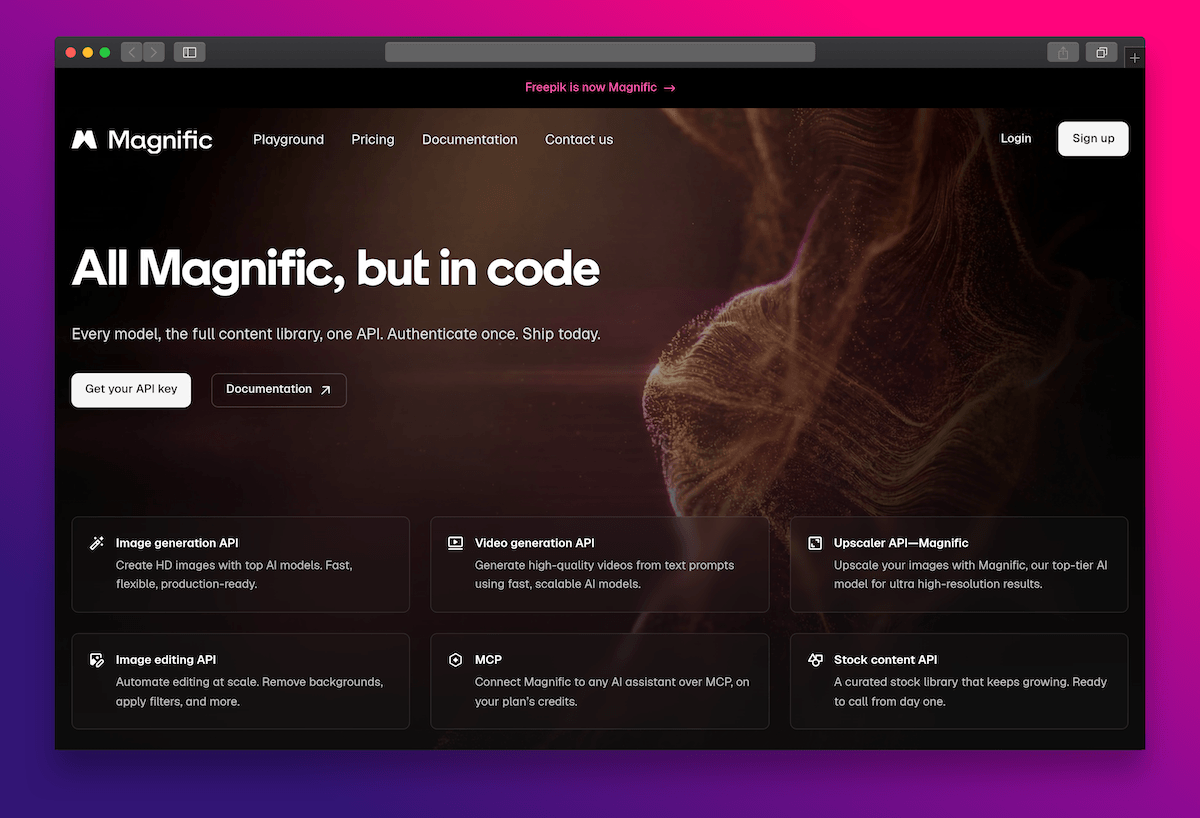
From a URL to a high-resolution image
Say you're pulling product shots, article images, or design references from pages you don't control. Microlink extracts the main image of any URL and returns it as a hosted image, with its real width and height. When the source only gives you a small version, you send that URL to Magnific to upscale it with AI.
Magnific returns the result as another hosted URL, so the upscaled image is ready to use without a storage step in between.
Why it fits together — and when it's worth it
Both services speak URLs, and Microlink's metadata tells you whether the second call is even needed. Here's where that pays off.
This shines for product catalogs and aggregators — you're pulling images from supplier or marketplace pages you don't host, so the image never has to touch your servers.
That's how you catch the cases that actually need help: print (around 300 DPI, so a 1200px image won't fill an A4 page), an editorial hero (a 1200×630 lead image is small at 2× retina), or design references scaled up for comps and decks.
Fidelity matters most for real product shots and photos. If the source already serves a high-resolution image, skip the upscale and use it directly — and for small UI bits like favicons or logos, it usually isn't worth it.
Two requests: extract, then upscale on demand
First, ask Microlink for the page's main image and its dimensions. Then only when the resolution is below your target, send that hosted URL to Magnific and poll the task until the upscaled image is ready.
import createClient from 'microlink.io'

const microlink = createClient()

// Get the main image (og:image) of any URL, including width/height
const { image } = await microlink.metadata('https://example.com')const TARGET_WIDTH = 2048
async function ensureHighRes (image) {
// Microlink already returns the dimensions: only upscale if needed
if (image.width >= TARGET_WIDTH) return image.url
// Send the hosted URL straight to Magnific (URL input = maximum quality)
const create = await fetch(
'https://api.magnific.com/v1/ai/image-upscaler-precision-v2',
{
method: 'POST',
headers: {
'Content-Type': 'application/json',
'x-magnific-api-key': process.env.MAGNIFIC_API_KEY
},
body: JSON.stringify({
image: image.url,
scale_factor: 4,
flavor: 'photo'
})
}
)
const { data: task } = await create.json()
// Magnific is async: poll the task until it is finished
while (true) {
const res = await fetch(
`https://api.magnific.com/v1/ai/image-upscaler-precision-v2/${task.task_id}`,
{ headers: { 'x-magnific-api-key': process.env.MAGNIFIC_API_KEY } }
)
const { data } = await res.json()
if (data.status === 'COMPLETED') return data.generated[0]
if (data.status === 'FAILED') throw new Error('Magnific upscale failed')
await new Promise(resolve => setTimeout(resolve, 3000))
}
}No image came back? Some pages don't expose a main image at all. In that case you can fall back to Magnific's image generator and create one from the page's title and description — handy for a placeholder or social card, as long as a synthetic image is acceptable there.
Ready to extract and upscale any image?
Pull the main image from any URL with a single Microlink call, then upscale it on demand — drop the whole pipeline into your product.